Keeping global commands for CLI agents in sync
Lately, I’ve found myself in this predicament:
- I write a lot of code using CLI agents
- I switch often between them as none has a particularly strong moat
- I have a set of global custom commands that I like to use across projects
For reference, custom commands are user-defined prompts. For example:
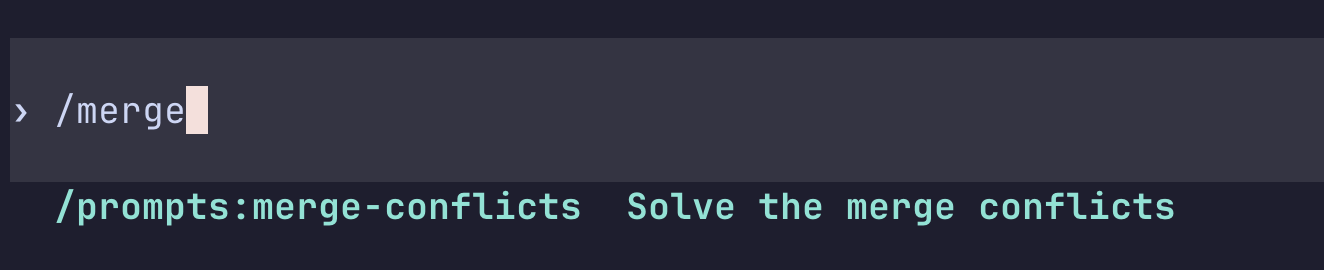
Hence, I need to have a way to keep them in sync. I’ve solved syncing my setup across different machines by using dotfiles and chezmoi, but, so far, I had no real solution for keeping the commands themselves in sync.
After some research, I’ve more or less collected all the places where these agents store their configs:
- Amp:
~/.config/amp/commands - Claude:
~/.claude/commands - Codex:
~/.codex/prompts - Cursor:
~/.cursor/commands - Gemini:
~/.gemini/commands - Opencode:
~/.config/opencode/command
To make my life easier, I’ve also created a custom command that I run once in a while to keep them all updated:
Check each of these directories:

~/.codex/prompts
~/.claude/commands
~/.cursor/commands
~/.config/opencode/command
~/.config/amp/commands
~/.gemini/commands

If any of them contains an `.md` that the others do not, or a newer version, sync it to the other directories too.
It works well enough for my needs. Oh, and in case you’re curious, these are my dotfiles.