Automate the boring things by running agent loops at night
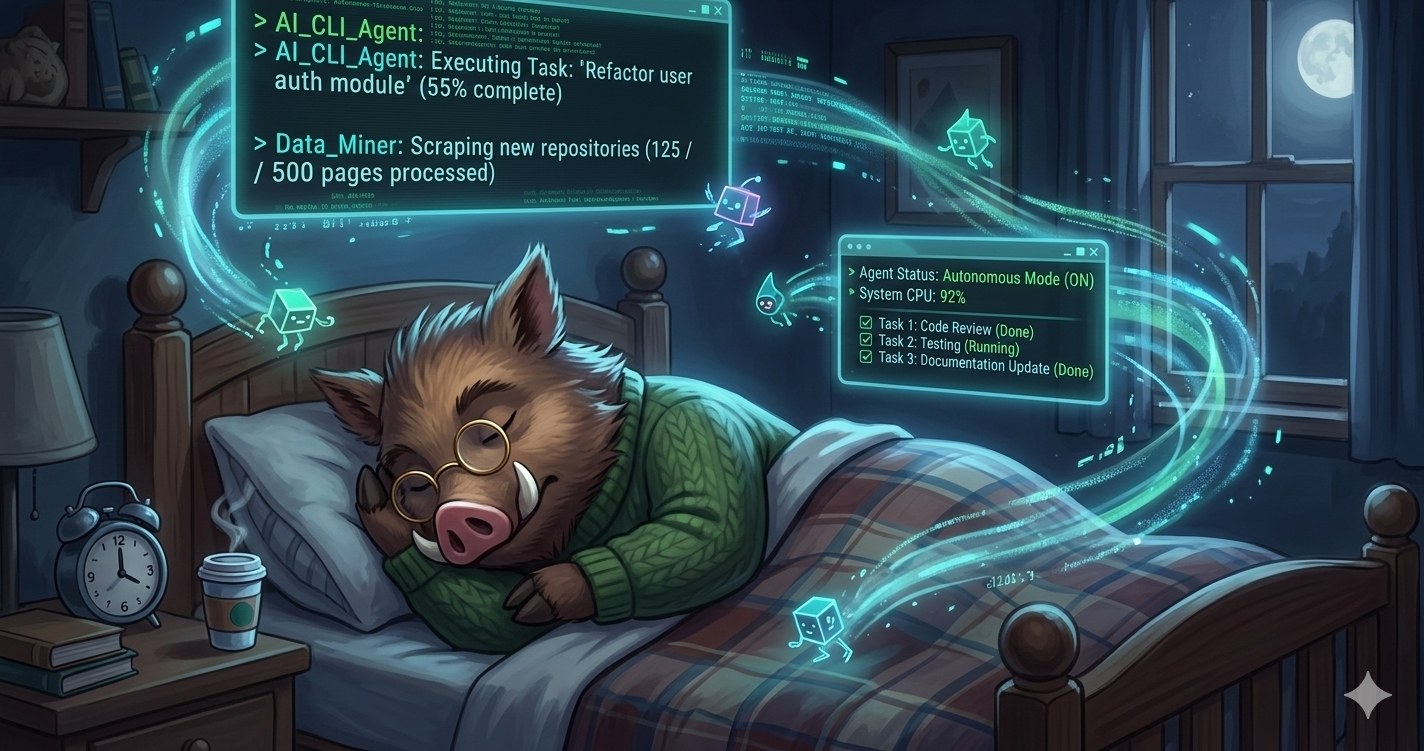
As I work on side-projects I tend to accumulate smaller TODOs, like bugs, infra updates, analytics, that I struggle to justify focusing on while I’m directly in front of my machine. While I could spin off an agent in the background, I still find myself distracted by it, and I don’t think this setup is productive.
To fix this, I’ve thought about agents going through these tasks at night, so that when I wake up I can find some amount of work done. Up until now I’ve been using NightShift to do it. It’s an interesting project, but for my taste it’s too complicated. I like simple stuff, tailored to my exact needs without too much configuration, and I found it was either breaking or needing too much babysitting to justify itself.
Hence, as an interim setup, I have experimented with cron jobs and OpenClaw triggers. It has been… fine. But OpenClaw is a chunky boy, doing a lot of things, and doing a lot of things means a lot can go wrong. Specialised tools always work better in my experience.
Enter Anthropic’s new /loop functionality. It’s very recent, and has some quirks I don’t love, but it seems like it can do the job for a lot of people.
My night agent setup
In each project, I keep a root-level, git ignored todos.md. As I work, I dump stuff in it quite freely.
I use a completely separate checkout for my night agent, so it doesn’t touch my WIP branch(es). Yes, I could use worktrees, but separate checkouts are simpler to deal with mentally for me.
In this ad-hoc checkout I run one loop overnight — a run per night is enough, especially across multiple repos. I don’t want to babysit five draft PRs every morning.
The /loop prompt
This is the prompt I currently use:
1. switch to main
2. pull remote
3. create a new branch
4. pick an item from the todos.md file
5. validate if it is still valid — if it is, investigate it
6. think of three ways to address it
7. pick one and implement it
8. run builds and tests
9. if your solution is successful, open a draft PR. in the description add the other two options you considered, and write why you chose this one
10. if your solution is not successful write a document in `.docs/failed-nightly-experiments/` explaining what you tried, the other two options, and why it failed. open a draft pr
This gives me useful morning input instead of a blank slate: either a draft PR I can review, or a failed attempt with actual reasoning I can reuse.
Sometimes the output is great, sometimes it’s not, and that’s fine.
Some /loop quirks
Honestly just read the docs, but in them there’s a couple of surprises:
- You need to have a Claude Code instance running “permanently”. If you close it… puff, the loop is gone
- Loops auto-expire after three days. I understand the safety aspect, but Claude Desktop scheduled tasks don’t have this limitation, so you might want to set them up from there
So?
/loop seems like a good first draft, and I’m writing about it because I think it will be useful for a lot of people. But the limitations are weird, and if they’re deal breakers for you, I’d recommend writing your own solution. I have mine as a work in progress, and hopefully I’ll get to share it soon.